
Clients
The people or organizations you bill.
How to find a client
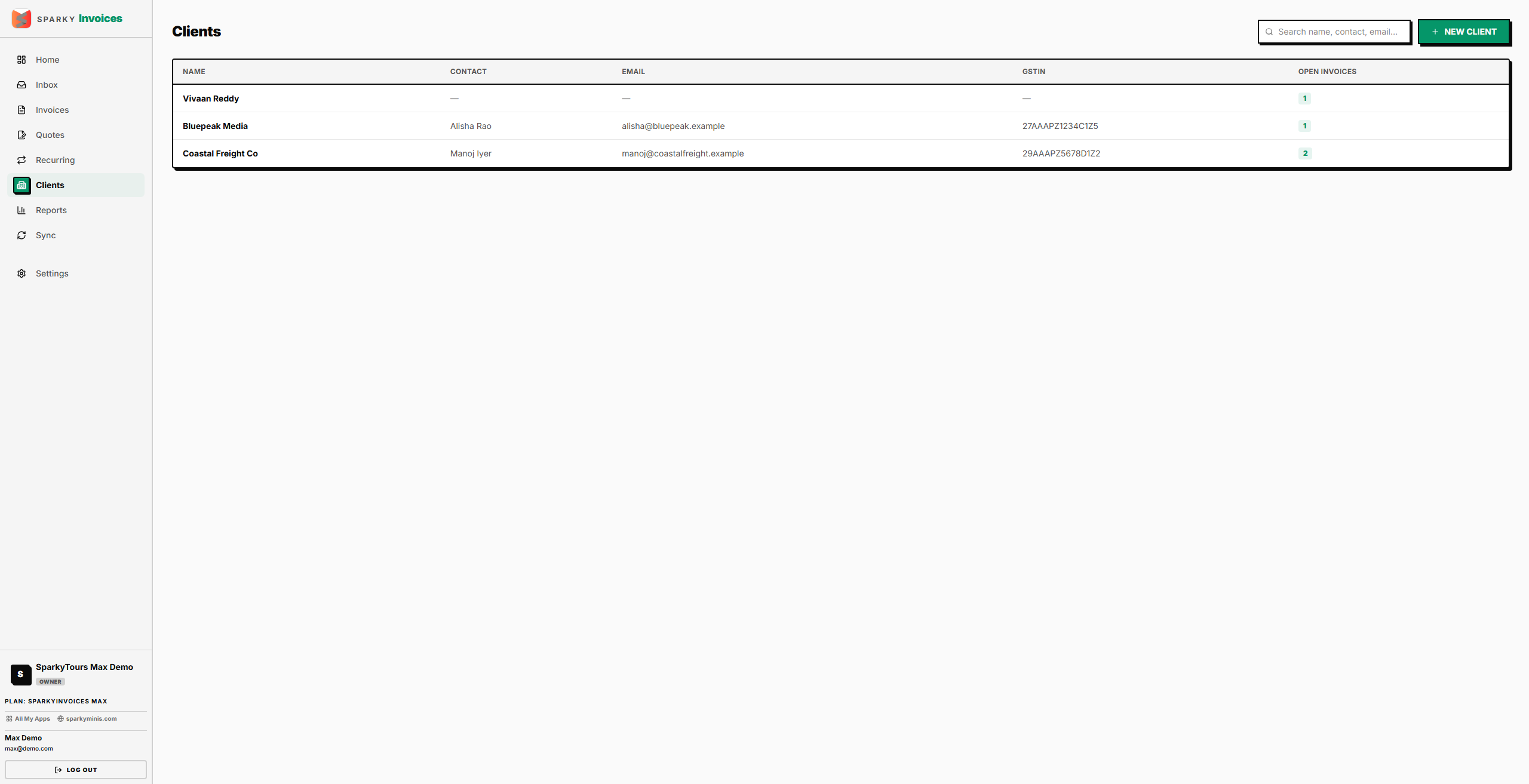
Open Clients from the sidebar. Use the search box to filter by name, contact name, or email — results show the 200 most recently updated matches.
How to add a client
Click "New Client" from the Clients list. Only Client name is required — contact person, email, phone, GSTIN, and billing address are optional. Saving takes you straight to the new client's detail page.
How to view or edit a client
Click a client from the list to open their detail page. If you have edit permission, you can update their name, contact name, email, phone, billing address, GSTIN, and notes. Name is the only required field. The page also lists every invoice for that client.
How to delete a client
From a client's detail page, choose Delete, then confirm — deleting can't be undone. If the client still has invoices attached, deletion is blocked — clients with billing history can't be removed. Otherwise this removes the client and takes you back to the Clients list.