
Docs
Home
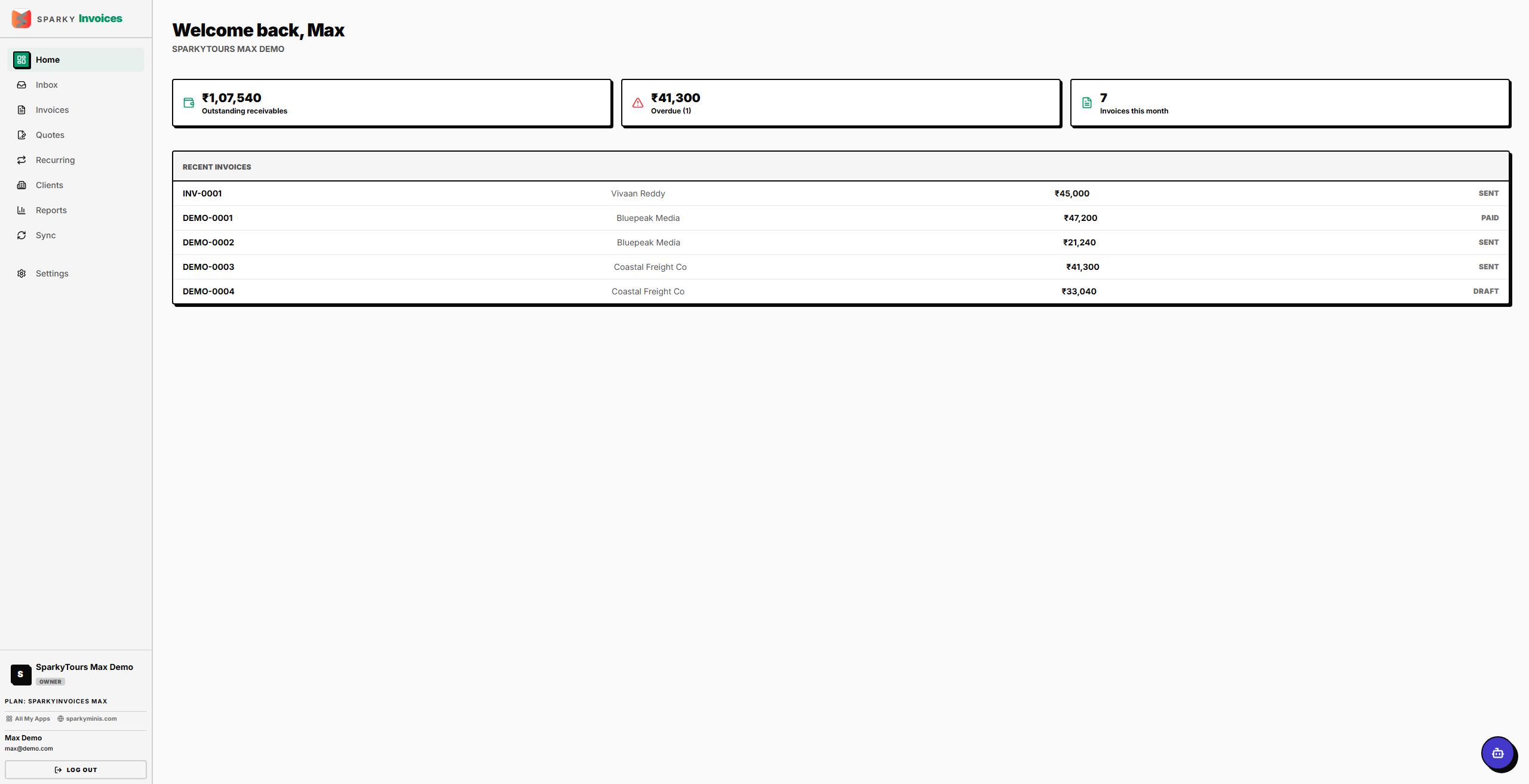
Your dashboard when you sign in — a snapshot of what you're owed and what's overdue.
How to read your dashboard
When you open SparkyInvoices, you land on Home. It shows your total outstanding amount (converted into your organization's base currency if some invoices use a different one), how much of that is overdue and how many invoices that covers, how many invoices you've raised this month, and your five most recently created invoices.
How to finish setting up your organization
If your account doesn't have an organization set up yet, Home shows a short setup prompt instead of your stats. Enter your organization's name and submit — this activates your organization and takes you to the normal dashboard.